
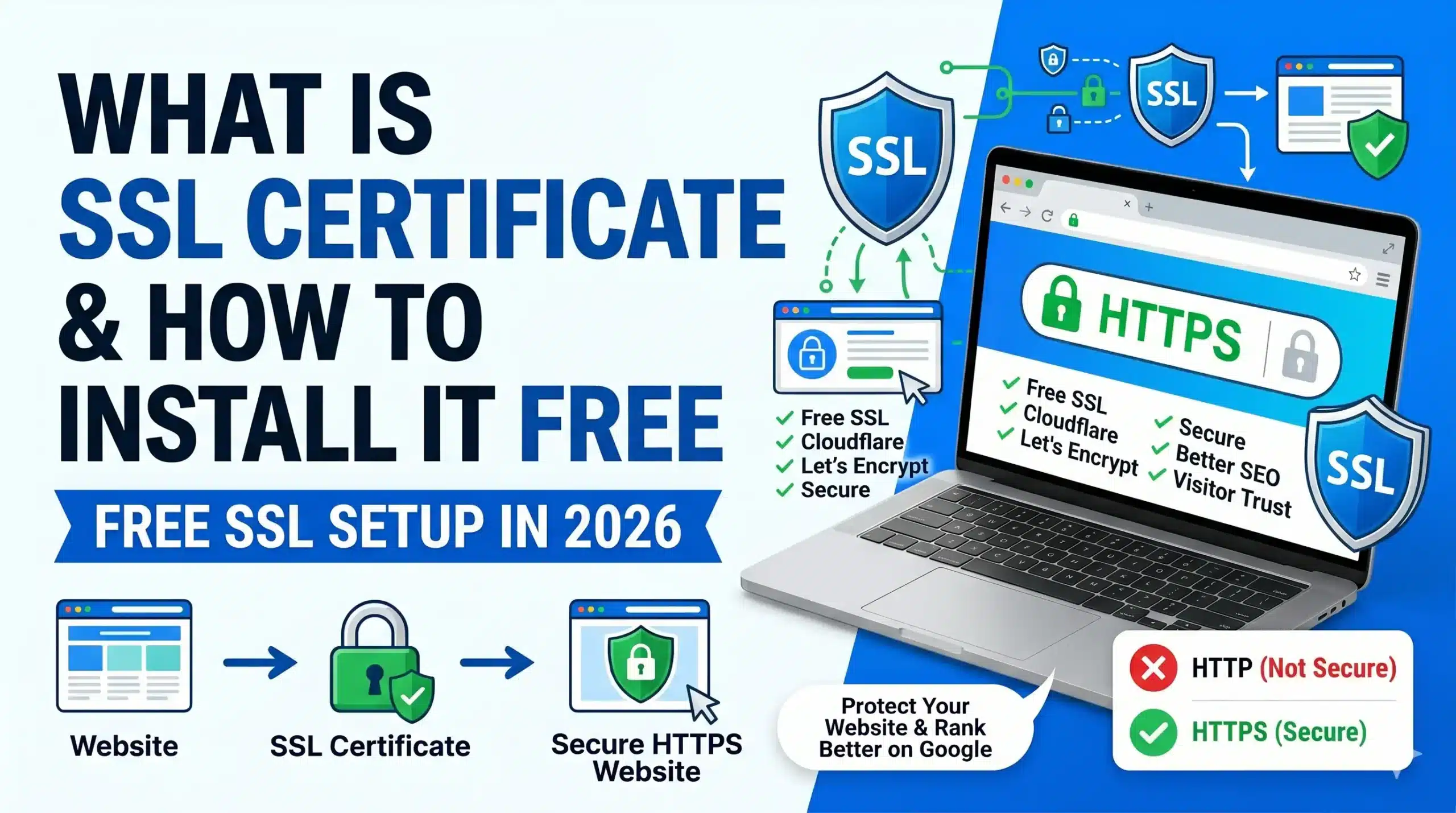
What is SSL Certificate and How to Install It Free

A few months ago, I launched a new blog and was getting some traffic. One day, a reader messaged me saying, “Your site is showing ‘Not Secure’ in the browser.” Is it safe to enter my email?” I felt embarrassed. That’s when I realized I had completely forgotten to install an SSL certificate.
I quickly fixed it using a free method, and within hours, my site showed the green padlock. Since then, I’ve installed SSL on multiple websites. It’s not as complicated as people think.
Let me explain everything from my real experience: what SSL actually is and how you can install it for free.
Why I Learned This the Hard Way
When your website doesn’t have SSL, visitors see a “Not Secure” warning. This kills trust. People hesitate to enter their email, contact you, or even stay on your site. Google also ranks secure websites higher.
After installing SSL on ToolsVila.online, my bounce rate dropped, and visitors felt more comfortable.
What is an SSL certificate?
Think of SSL like a lock on your front door. It encrypts the data between the visitor’s browser and your website. This means passwords, contact forms, and personal information stay safe.
In simple words: SSL = Secure Socket Layer. It turns http:// into https:// and shows a padlock in the address bar.
Best Free Way to Get SSL in 2026
The easiest and completely free method is to use Let’s Encrypt through your hosting provider or Cloudflare.
I’ll show you both methods.
Method 1: Install Free SSL Using Cloudflare (Easiest)
This is the method I recommend for most beginners.
Step-by-Step:
- Go to cloudflare.com and create a free account
- Add your website (example: toolsvila.online)
- Cloudflare will scan your DNS records
- Change your nameservers to Cloudflare’s nameservers
- Once activated, go to SSL/TLS section
- Set SSL/TLS encryption mode to Full (strict)
- Enable Automatic HTTPS Rewrites
That’s it. Cloudflare gives you a free SSL certificate that renews automatically.

Method 2: Install Let’s Encrypt SSL from the Hosting Panel
Most good hostings (Hostinger, SiteGround, Bluehost, etc.) offer this:
- Log in to your hosting cPanel/hPanel.
- Find SSL or Security section
- Click on Let’s Encrypt or Free SSL
- Select your domain
- Click Install
It usually takes 5-15 minutes to activate.

After Installing SSL—Important Steps
- Clear your browser cache and hard refresh the site
- Update your WordPress address from http to https in Settings → General
- Install the Really Simple SSL plugin (only for this purpose)
- Submit your site again in Google Search Console for the HTTPS version

My Real Experience
When I installed SSL on my first site using Cloudflare, everything worked perfectly. But on my second site, I forgot to change the URLs inside WordPress. For two days, images were broken, and some pages showed mixed content warnings. Learned my lesson.
Common Mistakes People Make
- Installing SSL but not updating WordPress settings
- Using Flexible SSL mode on Cloudflare (not secure)
- Forgetting to renew SSL (Let’s Encrypt needs renewal every 90 days, but Cloudflare handles it)
- Not redirecting HTTP to HTTPS
- Buying expensive SSL when free ones work great
Pro Tips
- Always use Cloudflare for small to medium blogs
- Enable HSTS after 1 month of successful SSL
- Check your SSL grade on ssllabs.com
- Keep a backup before making DNS changes
FAQ
Q1. Is SSL certificate really necessary? Yes. Without it, your site shows “Not Secure,” and Google ranks it lower.
Q2. Is free SSL safe? Yes. Let’s Encrypt and Cloudflare SSL are trusted and widely used.
Q3. How much does paid SSL cost? Paid SSL starts from ₹500 to ₹5000+ per year. Not needed for most blogs.
Q4. How long does it take to install SSL? Cloudflare method: 30-60 minutes. Hosting panel: 5-15 minutes.
Q5. Will installing SSL affect my SEO? It helps SEO. Google prefers secure websites.
Q6. Can I install SSL on an existing website? Yes, you can install it anytime.
Q7. What is the difference between Let’s Encrypt and Cloudflare SSL? Both are free. Cloudflare is easier and gives extra security features.
Look, installing SSL used to be complicated and expensive, but now it’s simple and free. Don’t delay it as I did in the beginning.
Take 30 minutes today and make your site secure. Your visitors (and Google) will thank you.
If you get stuck during installation, just tell me which hosting you’re using in the comments. I’ll guide you specifically.
Disclaimer: The information provided on this website is for general guidance only. While we make every effort to keep the content accurate, SSL installation steps may vary slightly depending on your hosting provider. Always double-check with your host’s support if needed. ToolsVila.online is not affiliated with Cloudflare, Let’s Encrypt, or any hosting company mentioned.

Written by: Krunal,
Founder & Tech Writer at ToolsVila.online
I help people solve everyday tech problems with simple and practical guides. Over 6 years of hands-on experience with WordPress, Windows, Android & digital tools.