
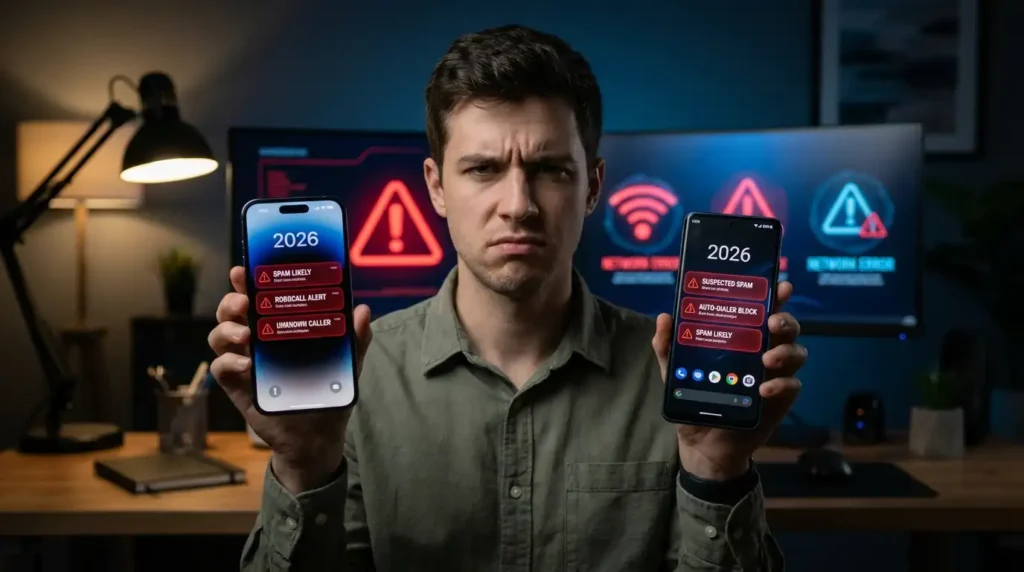
Last month, I was in the middle of a work call with a client when my iPhone lit up for the third time in 10 minutes. Same area code, different number. “Extended car warranty.” I hung up, muttered a few choice words, and realized something had to change. I’d been dealing with this nonsense for years, but it hit a peak in early 2026 when spam calls started coming in during family dinners, drives, and even at 2 a.m. with fake IRS threats.
If you’re nodding along right now, you’re not alone. Spam calls have gotten smarter and more persistent. But after testing pretty much every built-in setting and a handful of apps on both my iPhone 16 Pro and my old Pixel 8, I’ve found ways that actually cut them down dramatically. No magic bullet, but a solid mix of tweaks that work in real life.
My Wake-Up Call (Literally)
I used to ignore the problem. I’d block a number here and there, but new ones kept popping up. One week in January 2026, I got over 40 spam calls. Some were spoofed local numbers pretending to be my bank. I almost fell for one because it looked legit on the caller ID.
Lesson learned the hard way: Relying only on manual blocking is exhausting and ineffective. You need layers, carrier tools, phone settings, and sometimes an app. The good news? Most of this is free and takes under 10 minutes to set up.
Built-in Ways to Block Spam on iPhone
Apple has stepped up its game, especially with recent iOS updates. If you’re on iOS 18 or later (I’m on the latest as of mid-2026), there are some powerful options.
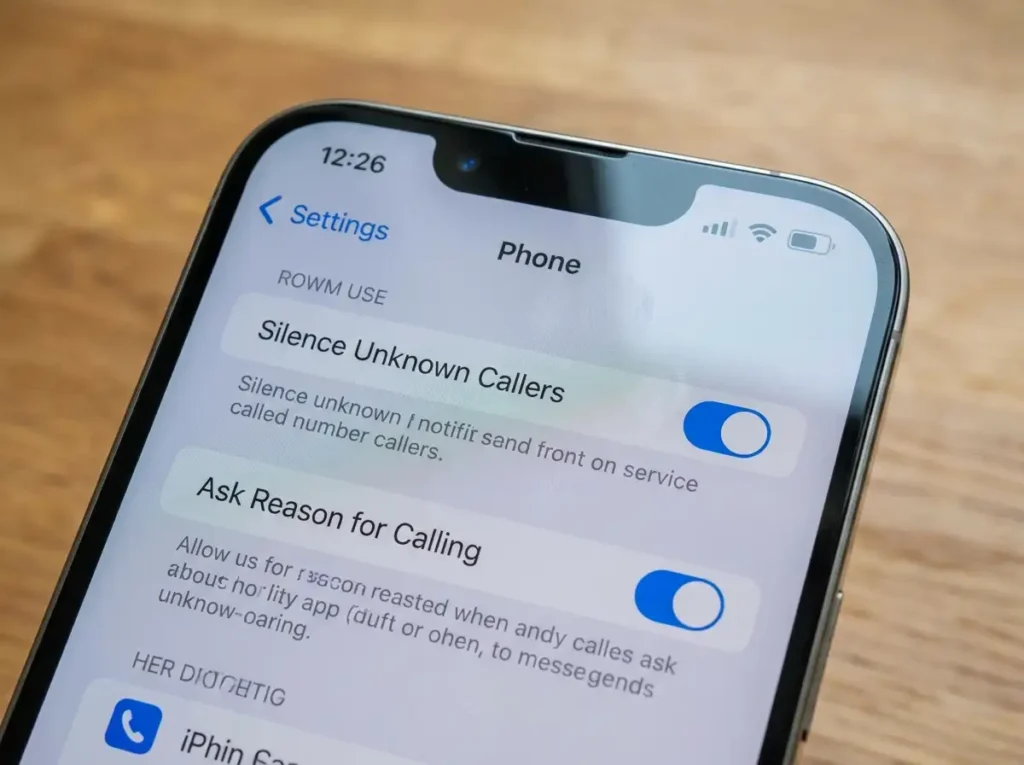
Silence Unknown Callers. This is my go-to first step. It sends calls from numbers not in your contacts, recent calls, or Siri suggestions straight to voicemail.
Here’s how:
- Open Settings.
- Scroll down and tap Apps (Apple reorganized things a bit).
- Tap Phone.
- Turn on Silence Unknown Callers.
I turned this on after a particularly bad week and immediately noticed fewer rings during the day. The downside? Legit calls from new doctors, delivery services, or school numbers can go to voicemail. I check my voicemail more often now, but it’s worth it for the peace.
The New “Ask Reason for Calling” Feature. This one blew my mind when I first tried it in early 2026. For unknown callers, your iPhone can prompt them to state their reason before the call rings through. It transcribes it for you. Super handy.
Go back to phone settings and look for Screen Unknown Callers” or similar. Options usually include “Never,” “Ask Reason for Calling,” or “Silence.” I set it to “Ask Reason,” and it’s filtered out a ton of robocalls. Spammers rarely bother responding properly.
Block Specific Numbers for persistent ones:
- Open the Phone app.
- Go to Recents.
- Tap the info (i) next to the number.
- Scroll down and tap Block this Caller.
I do this right after a spam call while it’s fresh. Pro tip: You can also block entire area codes if you’re getting hammered from one region, though it’s a bit tedious.
Android Solutions That Actually Work
On my Pixel, Google’s tools are pretty aggressive and effective. Samsung and others have similar options with slight variations.
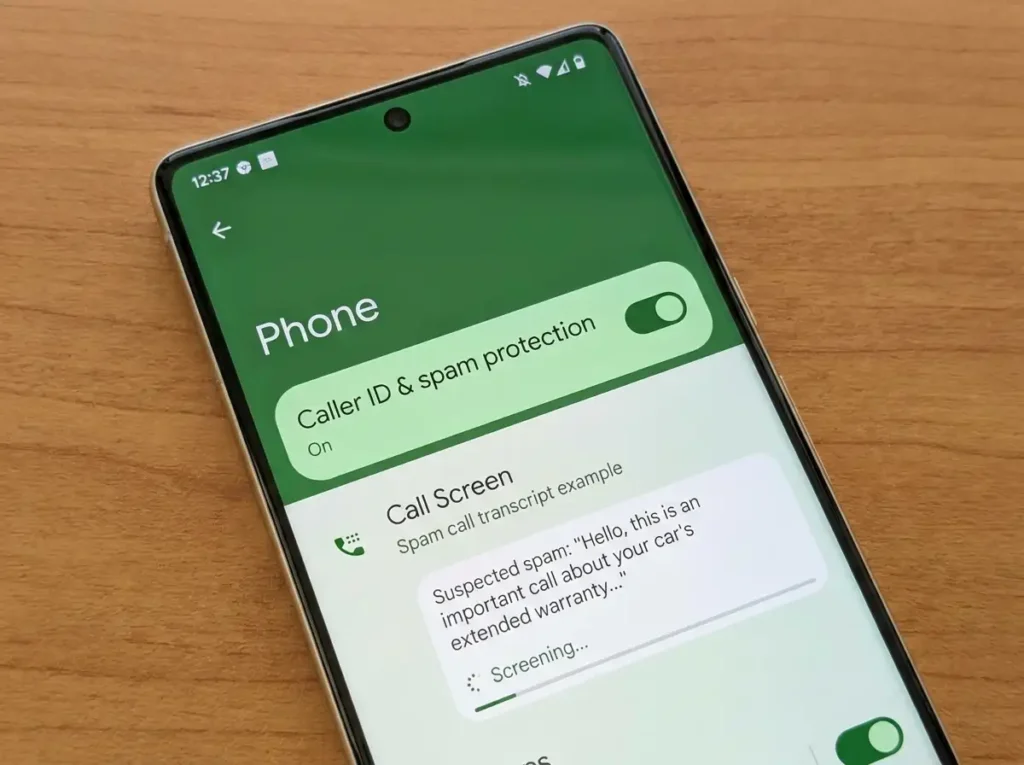
Caller ID & Spam Protection: Open the Phone app > tap the three dots > Settings > Caller ID & spam. Turn on both “See caller ID” and “Filter spam calls.” This labels potential spam and can auto-filter it.
On Pixels, there’s also Call Screen under Call Assist. It lets Google Assistant answer unknown calls, ask for the reason, and give you a transcript. I enabled the “Spam calls” level, and it handles most robocalls silently or with screening. Saved me during a road trip last month.
Manual blocking on Android, similar to iPhone: Recents > tap number > Block/Report as spam. Reporting helps the system learn and protects others.
Many Android phones also let you block unknown or private numbers in the same menu. Check if your specific model of One UI on Samsung has extra spam protection tied to their SmartThings or carrier apps.
Carrier Apps and Services Worth Checking
Don’t sleep on your career. They often catch stuff before it hits your phone.
- AT&T: ActiveArmor app – free basic version filters spam nicely.
- Verizon: Call Filter – labels and blocks robocalls.
- T-Mobile: Scam Shield – great for verified caller tags.
I switched carriers once and immediately tried their tool. The difference was noticeable within days. Sign up through their app or website. Some have premium tiers for a few bucks a month with extra features like reverse lookups.
Apps That Go the Extra Mile
Built-ins handle 70-80% for most people, but for the stubborn ones, apps help.
Truecaller (iOS and Android): Crowd-sourced database. It identifies numbers well and has a solid blocker. The free tier is decent.
RoboKiller: This one is aggressive. It answers spam calls with pre-recorded audio to waste their time. I tried the trial and it was hilarious how effective it was at annoying spammers back. Paid, but worth it if you’re desperate.
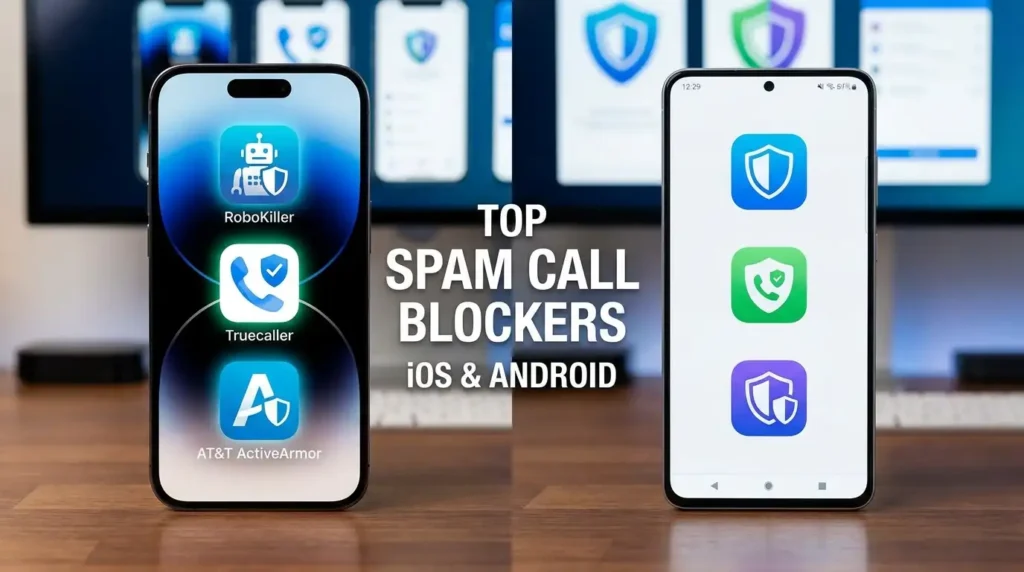
I avoid over-relying on third-party apps because of privacy concerns, as some upload your contacts. Stick to reputable ones with good reviews and read permissions carefully.
Register with the National Do Not Call Registry
This is an old-school move that still works surprisingly well in 2026. Go to donotcall.gov and add your number. It won’t stop scammers (they ignore it), but it reduces legit telemarketers. Takes a day or so to kick in. Combine it with everything else.
Common Mistakes I’ve Made (So You Don’t Have To)
- Answering just to “see who it is” – This confirms your number is active and leads to more calls. I did this early on and regretted it.
- Ignoring carrier tools – I wasted months before trying my provider’s app.
- Over-blocking – I once silenced unknown callers too aggressively and missed a real plumber call. Balance is key; check voicemails regularly.
- Not updating iOS/Android – New spam features often come in updates. My phone was lagging and it showed.
- Trusting caller ID blindly – Spoofing is rampant. Always verify important calls through official channels.
Another lesson: Sharing your number sparingly. I stopped entering it on random contest sites and saw a drop-off.
Real-World Results and Extra Tips
After implementing most of these (iPhone Silence Unknown + Ask Reason, Android Call Screen, carrier filter, and occasional manual blocks), my spam calls dropped from 30-40/week to fewer than 5. Legit unknown calls still get through via voicemail transcription, which is readable right on the lock screen.
Extra tips:
- Use focus modes or do not disturb scheduled for nights.
- On iPhone, enable “Filter Unknown Senders” in Messages too for spam texts.
- Teach family members—my parents were getting hit hard until I set theirs up.
- For businesses, consider a secondary number via apps like Google Voice.
It’s not perfect. Determined scammers still slip through occasionally, especially around tax season or holidays. But it’s manageable now.
FAQ
1. Will these settings block all spam calls completely? No, but they block the vast majority. Scammers evolve, so it’s an ongoing battle. Layers work best.
2. Does Silence Know? Do callers on iPhones miss important calls? Sometimes, yes, like new client numbers or services. I check voicemail a couple of times a day. You can add frequent contacts to Favorites for exceptions.
3. Is there a difference in the effectiveness of iOS and Android? Android’s Call Screen feels more proactive with AI transcripts. iPhone’s screening is solid too, especially post-2025/2026 updates. Both are good.
4. Are call blocker apps safe? Reputable ones like Truecaller or RoboKiller are fine, but review permissions. Avoid anything asking for full contact access if possible.
5. What about spam texts? Similar tools apply. On iPhone, go to Settings > Messages > Filter Unknown Senders. Android has spam protection in the Messages app.
6. Can I block calls from a specific area code? Yes, manually on both platforms, or some apps support it. It’s handy for heavy spam regions.
7. Do carrier apps cost money? Basic versions are usually free. Premium adds extras like advanced ID for $4-5/month.
8. Will registering on Do Not Call stop robocalls? It helps with legitimate telemarketers but not illegal scammers. Still worth doing.
9. My phone is older—do these features work? Most built-ins require recent OS versions. Update if possible, or rely on carrier apps and manual blocking.
10. What if a legitimate call gets blocked? Check recent call logs or voicemail. You can usually unblock numbers easily. Adjust settings if it’s a recurring issue.
11. How do I report spam calls? On iPhone/Android, report as spam when blocking. Also forward to 7726 (SPAM) for texts.
12. Any tips for international travel? Roaming spam can be wild. Turn on stricter filtering or use an eSIM with a local number temporarily.
Disclaimer
This article is based on my personal experience and publicly available info as of mid-2026. Features can change with updates, and effectiveness varies by location, carrier, and spam patterns. Always back up your phone before major changes, and never share personal info based on unsolicited calls. I’m not affiliated with any apps or carriers mentioned. Consult official support pages for your specific device. Stay safe out there.

Written by: Krunal,
Founder & Tech Writer at ToolsVila.online
I help people solve everyday tech problems with simple and practical guides. Over 6 years of hands-on experience with WordPress, Windows, Android & digital tools.