How to Apply for Google AdSense Step-by-Step Guide
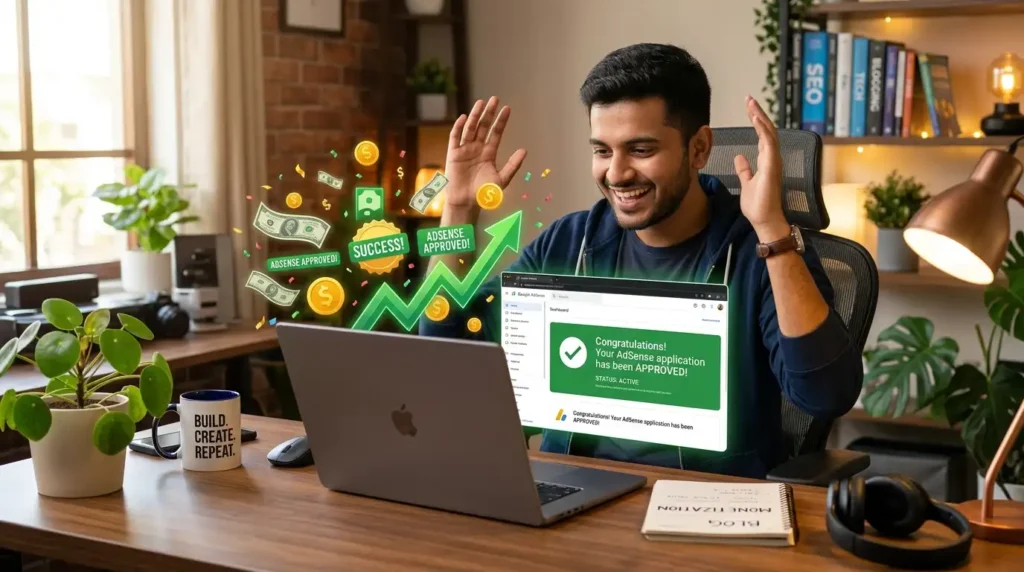
I still remember sitting in my home office late one night in early 2025, staring at yet another rejection email from Google AdSense. My blog had about 18 posts, a decent design on WordPress, and I was getting a trickle of traffic from Pinterest. The rejection said something vague like “low-value content.” I was frustrated, annoyed, and ready to quit. But I didn’t. I tweaked things, published more, fixed my pages, and on the fourth try, it went through. That approval email felt like winning the lottery.
If you’re reading this, you’re probably in a similar spot, pouring hours into your site or YouTube channel, hoping to turn it into something that pays the bills. I’ve been running a couple of niche blogs for years now, one in tech tutorials and another in personal finance tips. AdSense has been a steady side income for me, not life-changing overnight money, but real earnings that cover hosting, tools, and more. Today, I’m walking you through the exact process I wish someone had given me back then, based on what actually worked for me and what I’ve seen others succeed with recently.
Why Most People Get Rejected (My Early Mistakes)
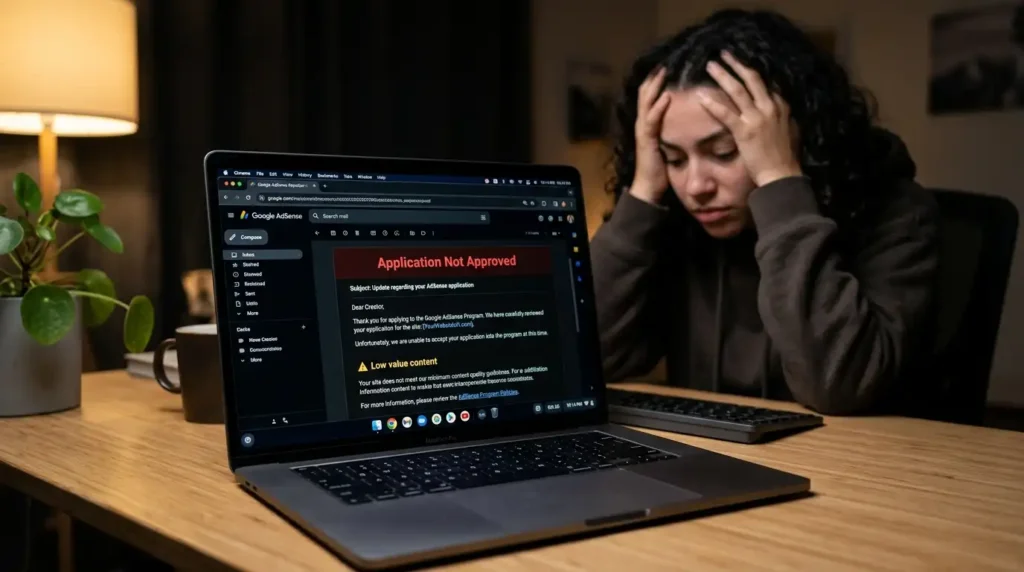
Let me be real: Google isn’t handing out approvals like candy. In 2026, they’re stricter about quality, user experience, and following their policies. My first site was a mess: thin posts under 600 words, no proper About page, and a generic privacy policy copied without customization. I applied way too early with barely any traffic.
Common pitfalls I’ve seen (and made):
- Rushing with just 5-10 short articles.
- Sites that feel “made for ads” with cluttered layouts and popups everywhere.
- Missing legal pages or poor navigation.
- Duplicate or low-effort content that screams AI-generated or spun.
One friend of mine got rejected multiple times because his site had password-protected areas and a broken mobile experience. Lesson learned: Google crawls your site like a picky visitor. Make it worth their time.
Getting Your Site Ready Before You Even Think About Applying
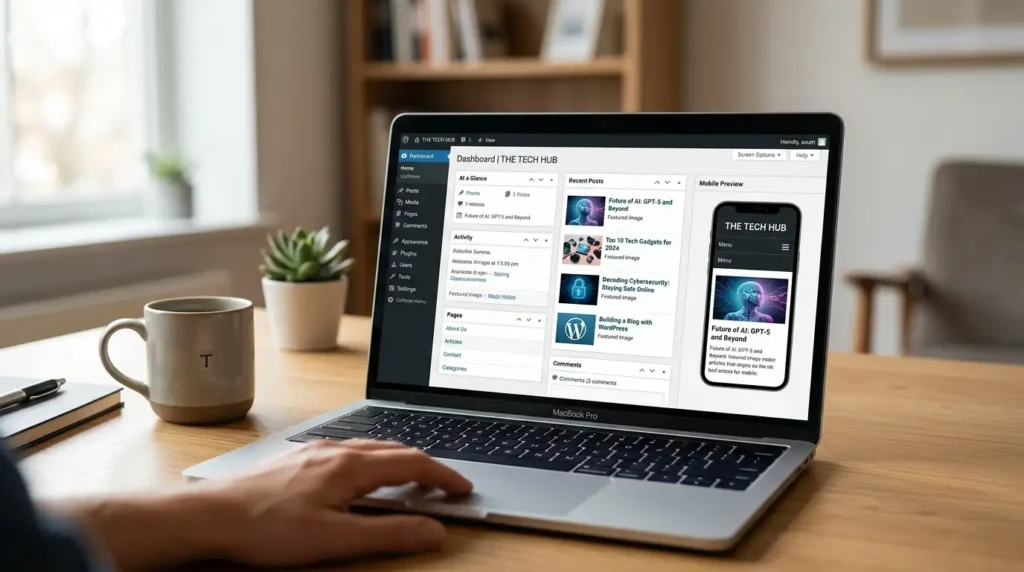
Don’t jump straight to the sign-up page. Spend time building something solid first.
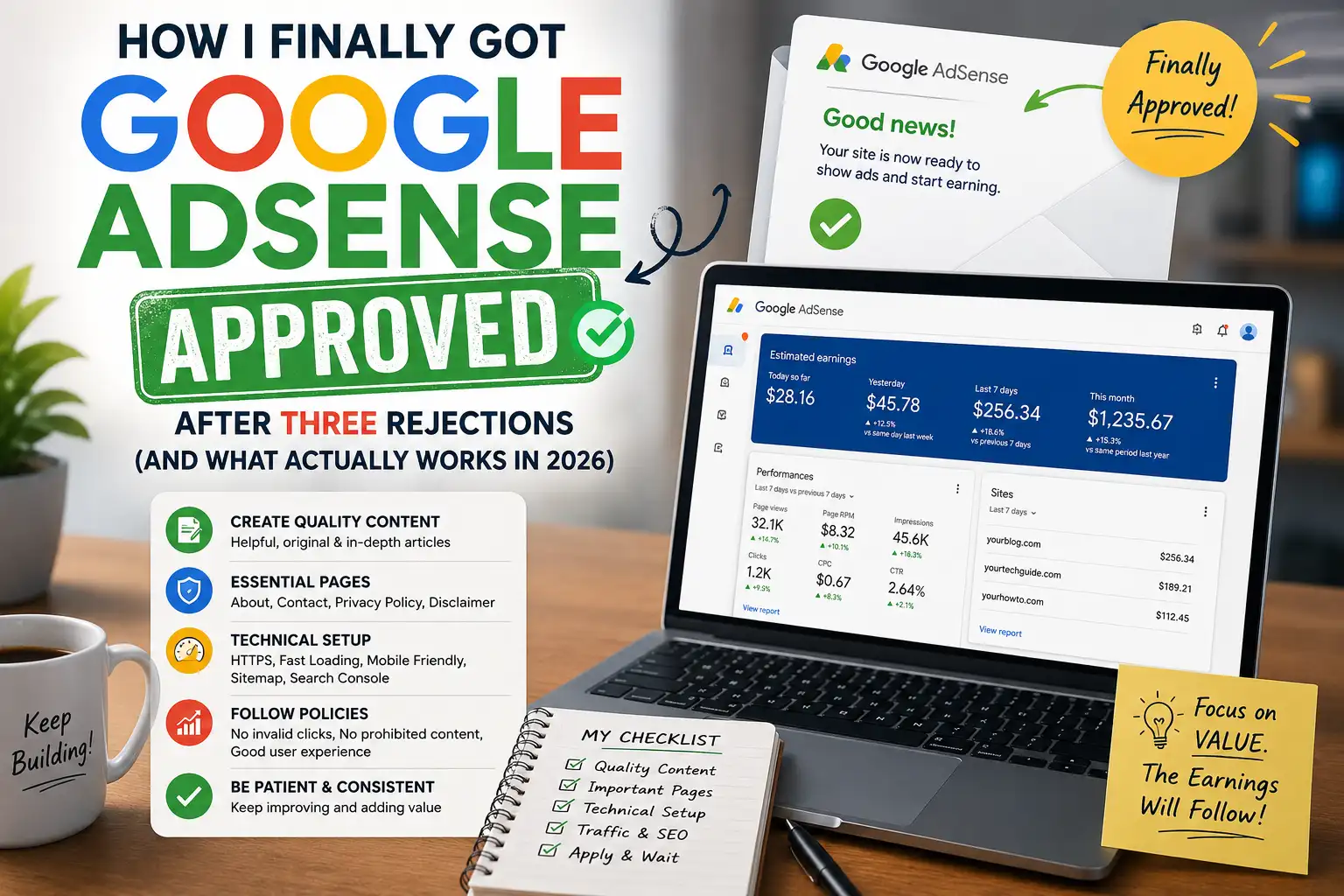
Pick a focused niche and create real value. My tech blog sticks to beginner-friendly WordPress and AI tool guides. Aim for 15-30+ original articles, each 800-1500 words or more. Write like you’re helping a friend solve a specific problem; include screenshots, step-by-steps, personal tips, and updates with recent dates. Google loves E-E-A-T (Experience, Expertise, Authoritativeness, Trustworthiness). Show you’re knowledgeable, maybe with an author bio that includes your background.
Essential pages you absolutely need:
- About Us/Page: Who you are, why the site exists, maybe a photo.
- Contact: Email form or details.
- Privacy Policy: Must mention AdSense, cookies, and third-party ads. I use a generator and tweak it heavily.
- Disclaimer (optional but smart for finance or advice sites).
Add these to your footer and make navigation simple: homepage, categories, and search bar. No dead links. Use HTTPS (free via Let’s Encrypt or your host). Mobile test: most traffic is mobile now. I use Chrome DevTools for this.
Technical stuff that matters:
- Submit your sitemap and verify your site in Google Search Console. Fix crawl errors.
- Decent loading speed under 3 seconds if possible. I compress images with tools like ShortPixel.
- Original content only. Run posts through plagiarism checkers.
For YouTube creators, it’s similar but tied to your channel. Focus on watch time, original videos, and channel policies.
I waited about 3-4 months on my main blog, posting consistently 2-3 times a week and driving some organic traffic before applying. That patience paid off.
Step-by-Step: How to Apply for Google AdSense
Once your site feels ready, here’s the process as of mid-2026. It hasn’t changed drastically, but details matter.
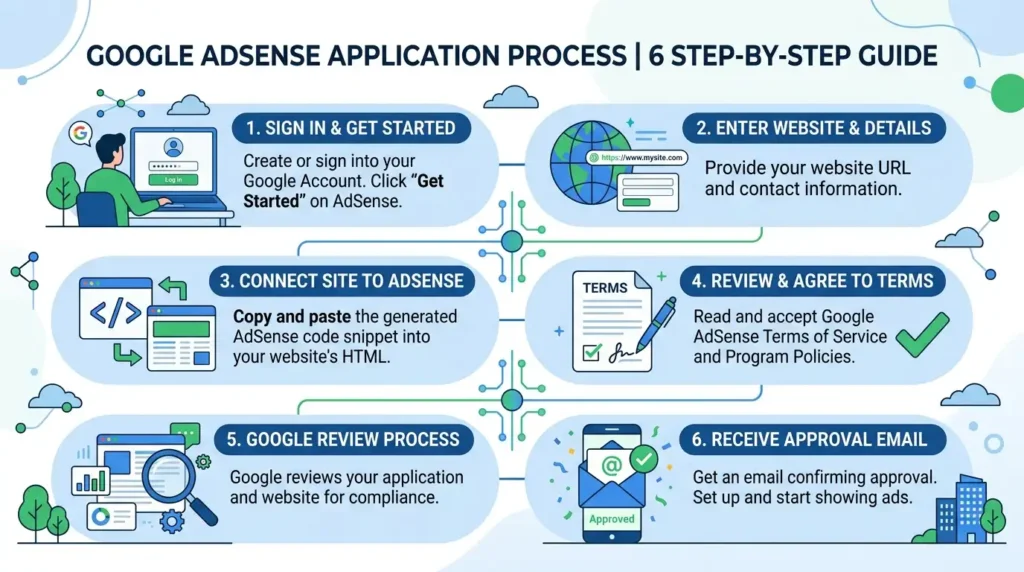
- Head to the official site: Go to adsense.google.com/start/. Sign in with your Google account (use one tied to your site, not a throwaway). If you don’t have one, create it.
- Enter your site details: Put in your website URL (the homepage). Google will check if you own it or can place code.
- Choose help options: I always say yes to customized help and performance suggestions. You can change this later.
- Select your payment country: This is crucial—pick where you live and plan to receive payments. For India or other countries, double-check tax info.
- Agree to terms: Read them (yeah, really). Click to confirm you’re over 18 and comply with policies.
- Submit the application: Google reviews your site. This can take a few days to a couple of weeks. You’ll get an email.
After approval (yay!), you’ll get an ad code to paste into your site. For WordPress, I use plugins like Site Kit by Google or Ad Inserter for easy placement. Start with nonintrusive formats like in-content or sidebars.
If rejected, don’t panic. Log into AdSense, check the exact reason, fix it, and wait at least 2-4 weeks before reapplying. I improved content depth and navigation on try 4.
After Approval: Setting Up Payments and Avoiding Pitfalls
Approval isn’t the end. You need to set up payments.
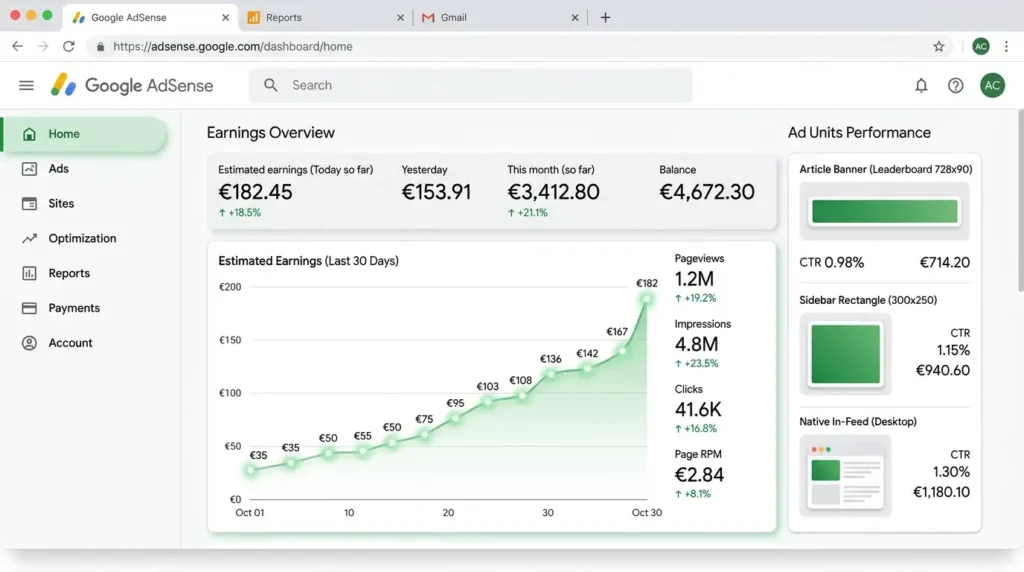
- Add your bank details or use services like Payoneer in some regions.
- Google might send a PIN by mail to verify your address, which takes 2-6 weeks. Enter it in your account.
- Minimum payout is usually $100. Track earnings in the dashboard.
Pro tips from experience:
- Don’t click your own ads ever. It’s an invalid activity and can get you banned.
- Place ads thoughtfully. Too many = bad user experience.
- Monitor for policy violations. Google updates policies; stay on top via their help center.
- Use tools like Google Analytics alongside Search Console to see real performance.
On one of my sites, I saw a nice bump in earnings after optimizing ad placement based on heatmaps (I use Hotjar for that). Unexpected result: Mobile ads performed better than desktop for my audience.
Common Mistakes to Avoid in 2026
- Applying too soon: New domains with little content get rejected fast.
- Ignoring mobile: Google prioritizes mobile-first.
- Bad ad implementation: Intrusive interstitials or auto-play videos with ads.
- Multiple accounts: Don’t create duplicates; it violates rules.
- Buying accounts: Huge no. Risky and against terms.
I once almost lost an account by experimenting with aggressive popups. Learned to keep user experience first.
Real Talk: What to Expect Earnings-Wise
Be honest with yourself. Early on, with 1k-5k monthly visitors, you might make $20-100 depending on niche (finance/tech pays better). It grows with traffic and engagement. My best month so far covered a nice vacation. Combine with affiliates, products, or other streams for better results.
For YouTube, it’s RPM-based on views and audience location.

FAQ Section
1. How long does Google AdSense approval take? Usually a few days to 2-4 weeks. Sometimes faster on established sites and longer if flags come up. Mine took about 10 days on the successful try.
2. What’s the minimum number of posts needed? No official minimum, but practically 15-30 solid ones in one niche. Quality over quantity.
3. Can I apply with a new blog or subdomain? Yes, but it’s tougher. A custom domain with HTTPS is better. Blogger sites sometimes get faster approval.
4. What if I get rejected for “low-value content”? Add more in-depth, original articles. Improve design, add legal pages, and build traffic. Fix and reapply.
5. Do I need a certain amount of traffic? Not strictly, but some organic traffic helps show real users. Focus on content first.
6. Is AdSense available in my country? Check the official list during signup. Most countries are supported, but payment options vary.
7. Can I use AdSense on YouTube? Yes, through the YouTube Partner Program. Requirements differ, focusing on channel guidelines and watch hours.
8. What are the payment thresholds and methods? $100 minimum usually. Bank transfer, checks, or other local options. Taxes apply.
9. How do I avoid getting banned after approval? Follow policies strictly: no invalid clicks, no prohibited content (adult, violent, etc.), and transparent practices.
10. Should I use plugins for ad management? Yes, WordPress advanced ads or AdSense plugins help. Just don’t overdo placements.
11. Does site speed matter for approval? Indirectly, yes. Slow sites frustrate users and hurt SEO, which Google notices.
12. Can I monetize with other networks too? Yes, but be careful with direct ads conflicting or violate AdSense terms.
Disclaimer
This article is based on my personal experiences and publicly available information as of 2026. Google policies can change at any time, so always check the official AdSense help center for the latest rules. I’m not affiliated with Google, and success isn’t guaranteed; results depend on your efforts, niche, and compliance. This is not financial or legal advice. Do your own research and consult professionals if needed. Earnings vary widely.
There you have it. If you’re serious, start building that foundation today. It took me time and a few headaches, but it’s been worth it. Drop a comment if you have specific questions about your setup. Happy to share more tips from the trenches. Keep creating good stuff, and the rest will follow. Good luck!

Written by: Krunal,
Founder & Tech Writer at ToolsVila.online
I help people solve everyday tech problems with simple and practical guides. Over 6 years of hands-on experience with WordPress, Windows, Android & digital tools.